Video interview tips for Teams, Zoom and recorded interviews
Video interview tips for Teams, Zoom and one-way recorded interviews: camera, light and sound, coming across well, and what to do if the call drops.
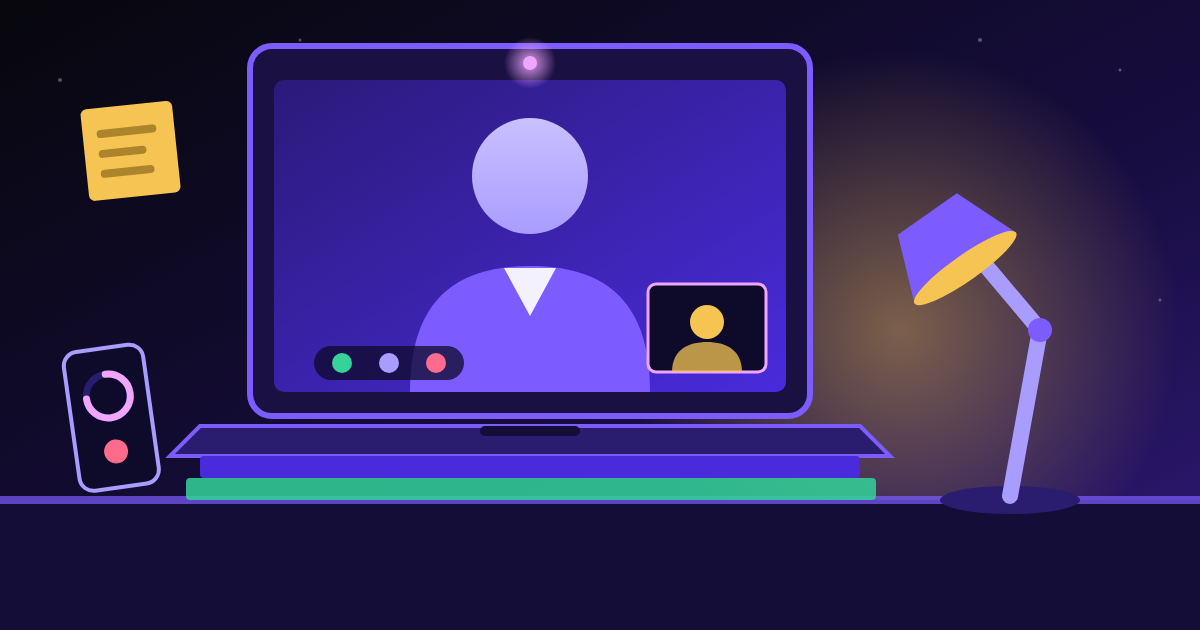
A video interview is still a proper interview, and the same answers win it. What changes is everything around those answers. The video interview tips that matter most are simple: put your camera at eye level, sit facing a window or lamp, use headphones with a microphone, test the link on the device you'll actually use, and keep your answers a little shorter and more structured than you would in a room.
Get those right and the technology disappears, which is the goal. Below: live interviews on Microsoft Teams and Zoom, one-way recorded interviews where nobody is on the other end, and what to do when the connection freezes.
The three kinds of video interview
| Type | What happens | What to prepare for |
|---|---|---|
| Live one-to-one (Teams, Zoom, Google Meet) | A normal conversation with one interviewer over video | Setup, eye contact, natural back-and-forth |
| Live panel | Two or more interviewers, often in different places | Knowing who's who, addressing the person who asked |
| One-way recorded | Questions appear on screen; you record answers against a timer | Timing, structure, talking to a camera with no reactions |
Recorded interviews tend to come early in a process, often for graduate schemes and high-volume roles. If the invitation leaves anything unclear, it's fine to ask.
Set up your space the day before
Do it at the same time of day as your interview, so the light matches.
- Camera at eye level. Prop your laptop on books. Looking down into a lens makes you seem distant.
- Light in front of you. Face a window or put a lamp behind your screen. A bright window behind you turns you into a silhouette.
- Head and shoulders in frame, with a little space above your head.
- A plain background. A tidy wall is perfect. If you blur your background, test it first: some cut off your hands when you move.
- Earphones with a microphone. They usually sound clearer than laptop speakers and stop echo. Charge wireless ones and check they connect to the right device.
- Plug in your laptop and phone, and turn notifications off on both.
- Tell the household the time, and ask others not to stream video while you're on if your connection is weak.
If your internet is unreliable, sit close to the router. If you have no quiet space or a dependable connection, ask the employer whether you could use their office, switch to a phone interview or move the time. It's a reasonable question.
Teams and Zoom interview tips
For most Teams or Zoom interviews you don't need an account; the link in your invitation is enough.
- Open the link the day before, on the device you'll use on the day. Find out now whether it wants you to install the app or lets you join in a browser.
- Check your camera and microphone in the app's settings. Zoom also offers a test meeting where you can hear yourself back.
- Set your display name to your full name as it appears on your application.
- Expect a waiting room. On both platforms you may sit in a lobby until the interviewer lets you in. Join five minutes early. If nobody has let you in five minutes after the start time, contact the person named in your invitation.
- Stay unmuted in a one-to-one. Muting between answers creates awkward "you're on mute" moments. In a large panel, follow the interviewer's lead.
- Hide self-view if it distracts you. Both platforms let you hide your own picture once you've checked how you look.
How to come across well on camera
A screen flattens you, so small things need a little more intention.
Look at the lens for key moments. You'll want to watch the interviewer's face, but when you make your main point or give the result of an example, look at the camera. To them, that reads as eye contact. Moving the video window to just under your camera helps.
Shorten your answers slightly. It's harder to tell on screen when someone wants you to stop. Aim for about two minutes per example, then pause. For "tell me about a time" questions, the STAR method keeps you on track.
Allow for lag. Leave a beat after they finish before you start. It prevents most of the talking over each other that makes video calls awkward.
Show you're listening. Nod and say "yes" or "that makes sense" now and then. In a room your body does this for you; on screen it needs to be visible.
| Less effective | More effective |
|---|---|
| Laptop on your lap, camera looking up your nose | Laptop raised to eye level on a stable surface |
| Reading answers word for word from the screen | Three or four keywords on a sticky note beside the camera |
| Starting to speak the instant they stop | A short pause, then your answer |
One-way (recorded) video interviews
In a one-way video interview, a question appears on screen in text or as a short clip, and after some thinking time you record your answer. Nobody is watching live; someone at the employer, or a recruiter, reviews the recordings later. Read the instructions closely for:
- Thinking time before recording starts, and the time limit for each answer.
- Whether retakes are allowed. If you get one, use it only if the first attempt went badly wrong.
- A practice question. Always do it. It's the best way to check your camera and get a feel for the timer.
- The deadline. Don't leave it until the last evening, when a technical glitch would leave you no time to sort it out.
The hardest part is the silence. With nobody nodding back, it's easy to rush or ramble. Talk to the lens as if it's a friendly person, and give every answer a simple shape.
Here's a strong answer to "Tell us about a time you dealt with an unhappy customer", given within a 90-second limit:
"In my weekend job at a garden centre, a customer came back angry because a large plant order had arrived damaged and nobody had called her. I apologised straight away and didn't make excuses. I checked the delivery notes, found the damage had been logged but not passed on, and offered her a replacement delivered the next day or a full refund. She chose the replacement. I then told my supervisor about the gap, and we added a step so the team rings customers whenever damage is logged. She came back a few weeks later and asked for me by name."
It's short, specific, and every sentence moves the story on. For which stories to prepare, see our guide to common interview questions.
When something goes wrong
Freezes, dropped calls and doorbells happen. Interviewers know this; what they notice is how calmly you deal with it.
If the picture freezes or they can't hear you, stop and say so:
"Sorry, I think the connection dropped for a moment. Could you repeat the last part of the question?"
If the call drops completely, rejoin with the same link. If that fails within a couple of minutes, contact the person named in your invitation and offer to continue by phone. Save their number beforehand.
If someone walks in, say "excuse me one moment", mute, deal with it and carry on. No long apology needed.
If a recorded interview crashes, screenshot it if you can and email the employer or recruiter straight away.
If you're disabled or have a condition that affects how you'd do a video interview, you can ask for reasonable adjustments, such as extra time on a recorded interview or a different format. The Equality Act 2010 protects disabled candidates in recruitment, and GOV.UK explains your rights.
Practise talking to a screen
Speaking to a lens with no reactions feels strange at first, even for people who are comfortable face to face. The fix is practice in the same conditions. Record yourself on your phone answering a few likely questions, starting with "Tell me about yourself", and watch it back once for rambling, filler words and where you looked.
Interview Pal helps because it's spoken, not written: it asks tailored questions for your role out loud, listens to your answers and gives each a score out of 10 with spoken feedback and a recommended answer. It works on your phone, so you can rehearse in the spot you'll use for the real thing.
Good video interview tips all point the same way: sort the setup early so you can forget about it, then put your energy into clear, specific answers. The camera is just the room you happen to be in.
Frequently asked questions
What should I wear for a video interview?
Dress as you would for the same interview in person, top and bottom, in case you need to stand up. Plain, solid colours usually look better on camera than busy patterns or thin stripes.
Can I use notes in a video interview?
Yes, a few keywords on a sticky note near your camera are fine. Avoid reading full answers from the screen, because it's usually obvious and makes you sound flat.
How long is a one-way video interview?
It varies by employer. Many have a handful of questions with a minute or two for each answer, plus thinking time before you record. Your instructions should say, and you can ask the recruiter if they don't.